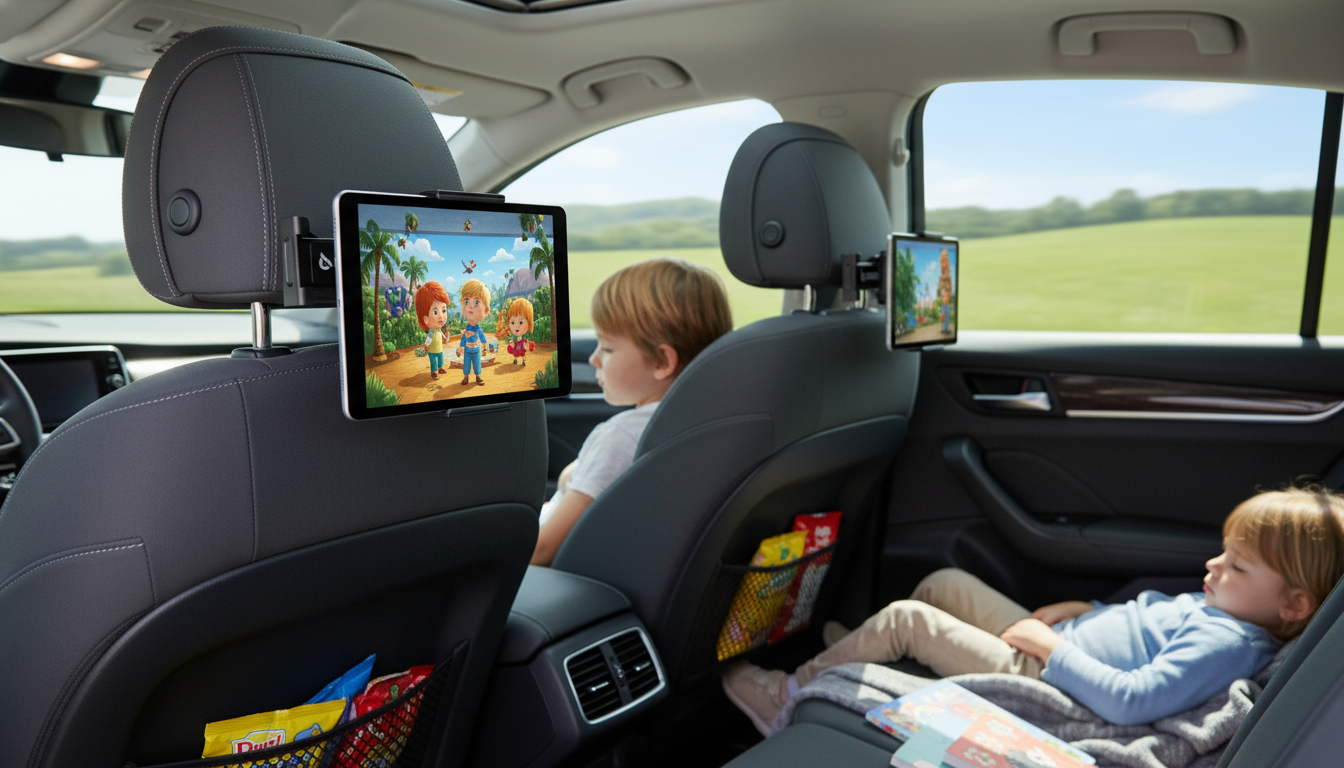
A stable back-seat tablet setup can turn long drives into calmer rides—keeping devices at a comfortable viewing height, reducing drops, and helping kids stay entertained hands-free. A good car headrest tablet holder also helps the back seat feel less chaotic by giving the screen a “home base” instead of bouncing between laps, cupholders, and floor mats. Below is what to look for in an adjustable headrest tablet mount, how to set it up for comfort and stability, and how a simple option like Car Headrest Tablet Holder | “Tab Steady” by Owleys can fit into a family road-trip routine.
When a tablet is held in a child’s lap for hours, it tends to slide, tilt, and get dropped—especially during braking or when kids shift positions. A headrest-mounted holder solves many of the common annoyances that pile up on longer drives.
It’s also easier for adults: fewer “Can you hold it?” requests, fewer pauses to retrieve a device from under a seat, and fewer interruptions during highway stretches.
“Adjustable” isn’t just about fitting different screen sizes. It’s about keeping the screen stable and comfortable even when the road isn’t. A well-designed holder should adjust where it matters most: viewing angle, grip, and how securely it locks to the headrest.
| Feature | Why it matters on the road | What to look for |
|---|---|---|
| Clamp range | Fits more devices and cases | Wide, adjustable grips with a firm hold |
| Rotation/tilt | Reduces glare and awkward angles | Smooth swivel and stable hinge |
| Headrest fit | Prevents wobble and slipping | Secure attachment compatible with common headrest posts |
| Vibration control | Improves viewing and reduces device stress | Solid joints, non-slip pads, tight locking points |
| Charging access | Avoids dead batteries mid-trip | Openings that don’t block ports or buttons |
| Ease of install | Saves time during pit stops | Tool-light setup and simple tightening |
Also consider the real-world “family test”: can you adjust it one-handed while parked, move it between vehicles, and remove the tablet quickly when you arrive at a hotel or restaurant? Those small conveniences matter when travel days run long.
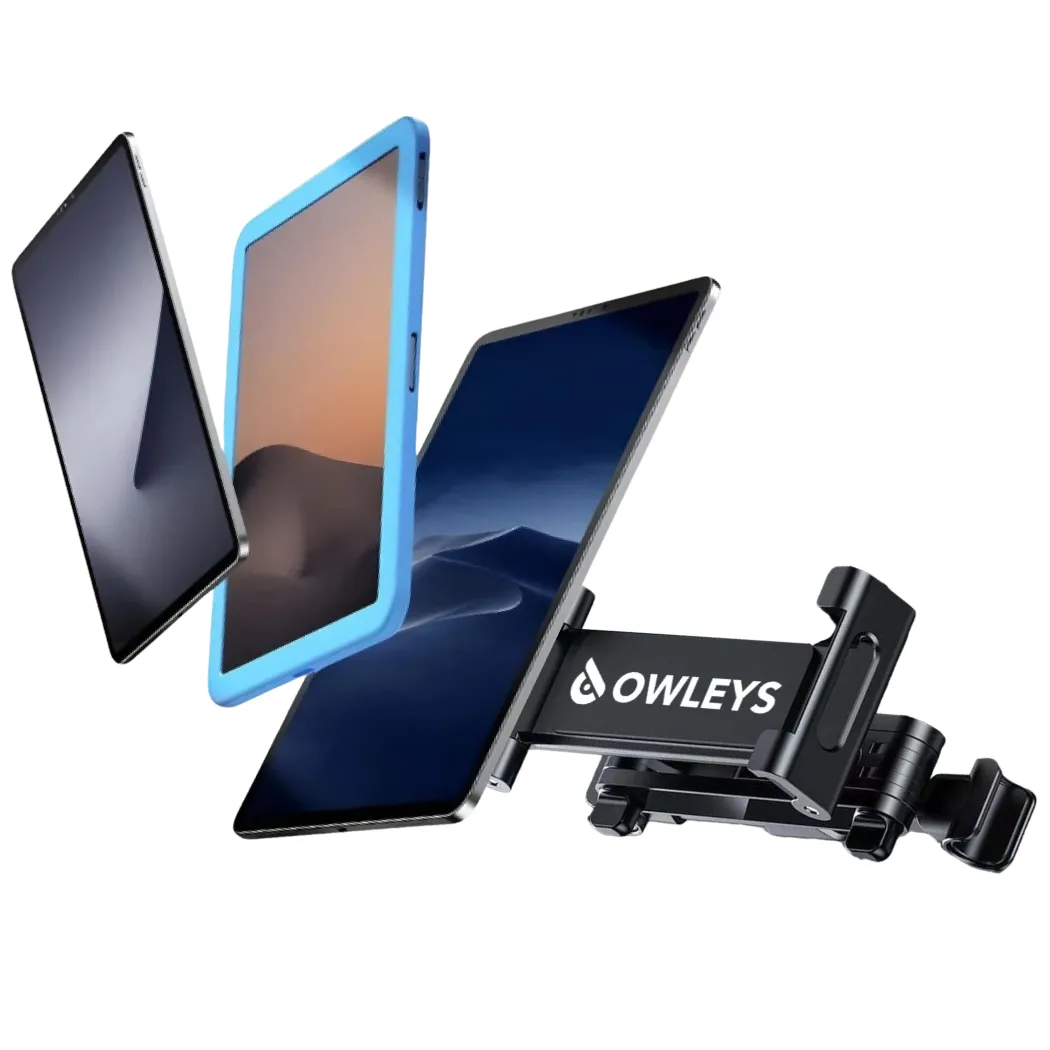
If the goal is simple, stable back-seat viewing without installing a full rear-seat entertainment system, Car Headrest Tablet Holder | “Tab Steady” by Owleys is a practical, budget-friendly upgrade. It’s designed to mount at the headrest for hands-free viewing, helping keep kids’ tablets positioned securely for movies and learning apps during longer drives.
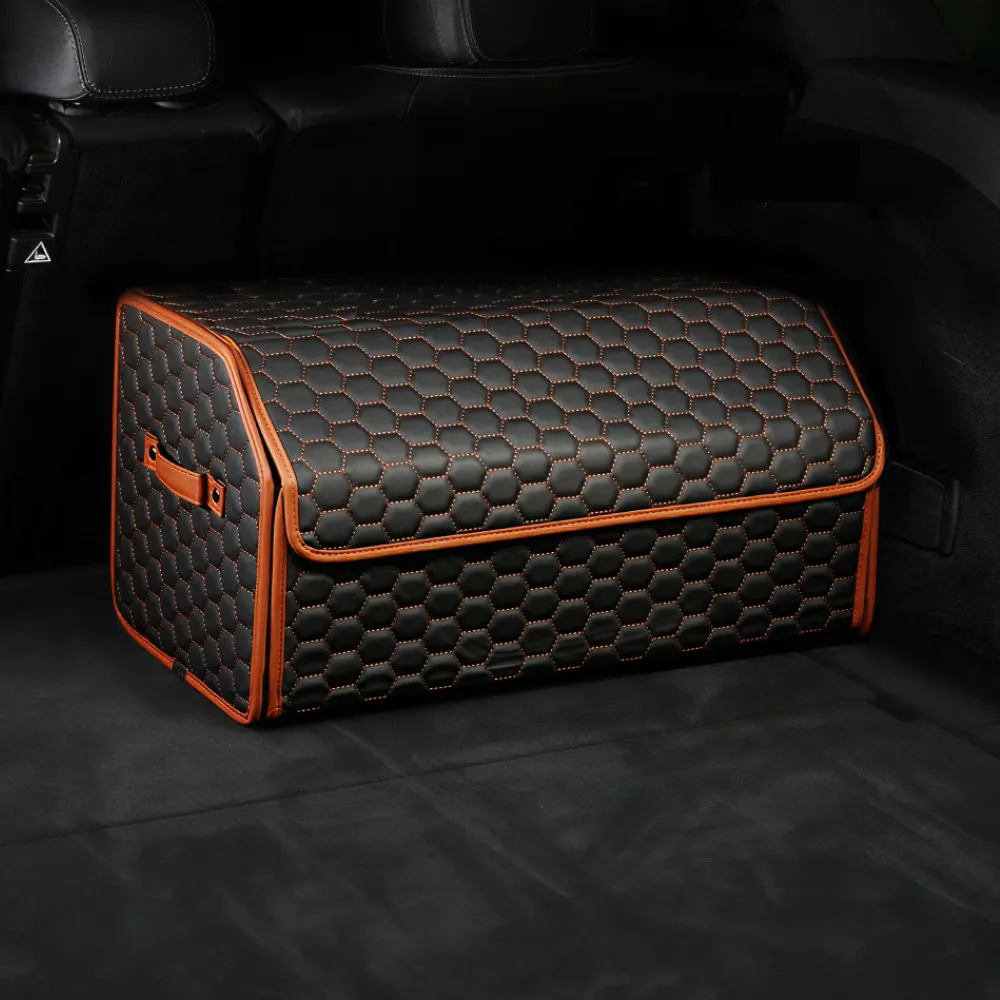
To round out the setup, pair the mount with a seat-back organizer for cables and wipes, and keep larger trip supplies contained in the cargo area. For example, Car Back Of Seat Organizer | “Hexy” by Owleys can keep everyday items within arm’s reach, while Car Trunk Organizer | 17.7 in – “Hexy” by Owleys helps prevent the “everything pile” in the trunk.
A tablet mount performs best when it’s installed with balance, cable routing, and sightlines in mind. A few minutes of setup at the start of a trip can mean fewer mid-drive adjustments later.
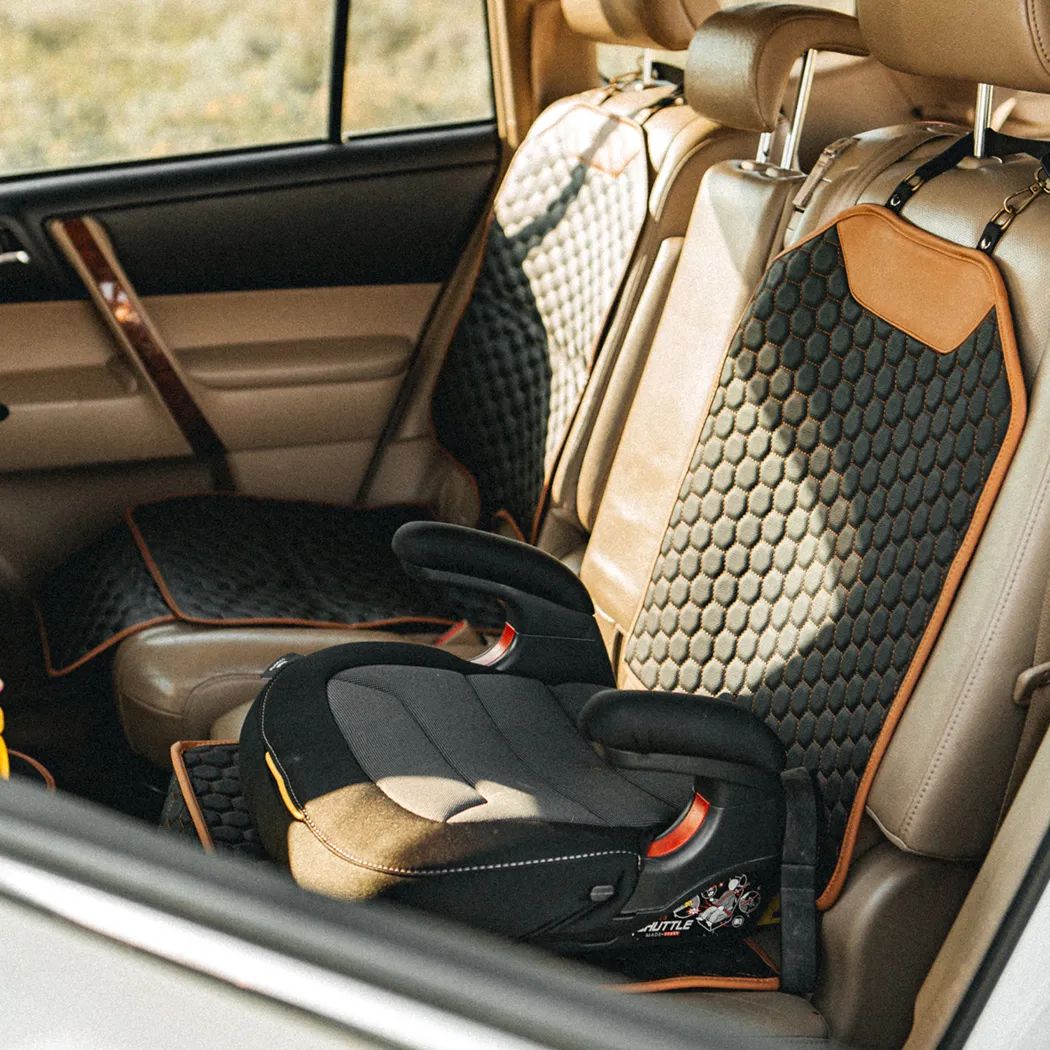
If a child rides in a booster, double-check that the mount placement doesn’t interfere with head support, belt fit, or how the child naturally sits. If you’re setting up a booster-seat passenger for frequent trips, a stable seat can also help overall comfort and positioning, such as Backless Booster Seat with LATCH | “Snug Bug” by Owleys.
Back-seat entertainment should support safer, calmer driving—not add distractions. Prioritize secure mounting and keep the driver’s attention where it belongs. The National Highway Traffic Safety Administration emphasizes the seriousness of distracted driving; it’s worth reviewing their guidance here: NHTSA — Driver Distraction.
For car seat and booster guidance by age and size, the American Academy of Pediatrics provides a helpful overview: American Academy of Pediatrics — Car Seats: Information for Families.
What size tablets fit car seat holders? It depends on what “car seat holder” means in your setup. Built-in cup holders on many child car seats are designed for…
Subscribe for Owleys product launches, fresh car accessories, and exclusive Adventure Club savings up to 30% OFF.

Choose the adventure that speaks to you and receive tailored recommendations from the Owleys Adventure Club.
Get ready for exclusive member discounts, early access to new products, special gifts, and travel inspiration from the Owleys team.
Your guide will arrive within 5 minutes.Please ensure all fields are completed correctly.
error
Leave a comment